Parental Control App
Monitor and manage your child's screen time on Android & iOS
Get Started For Free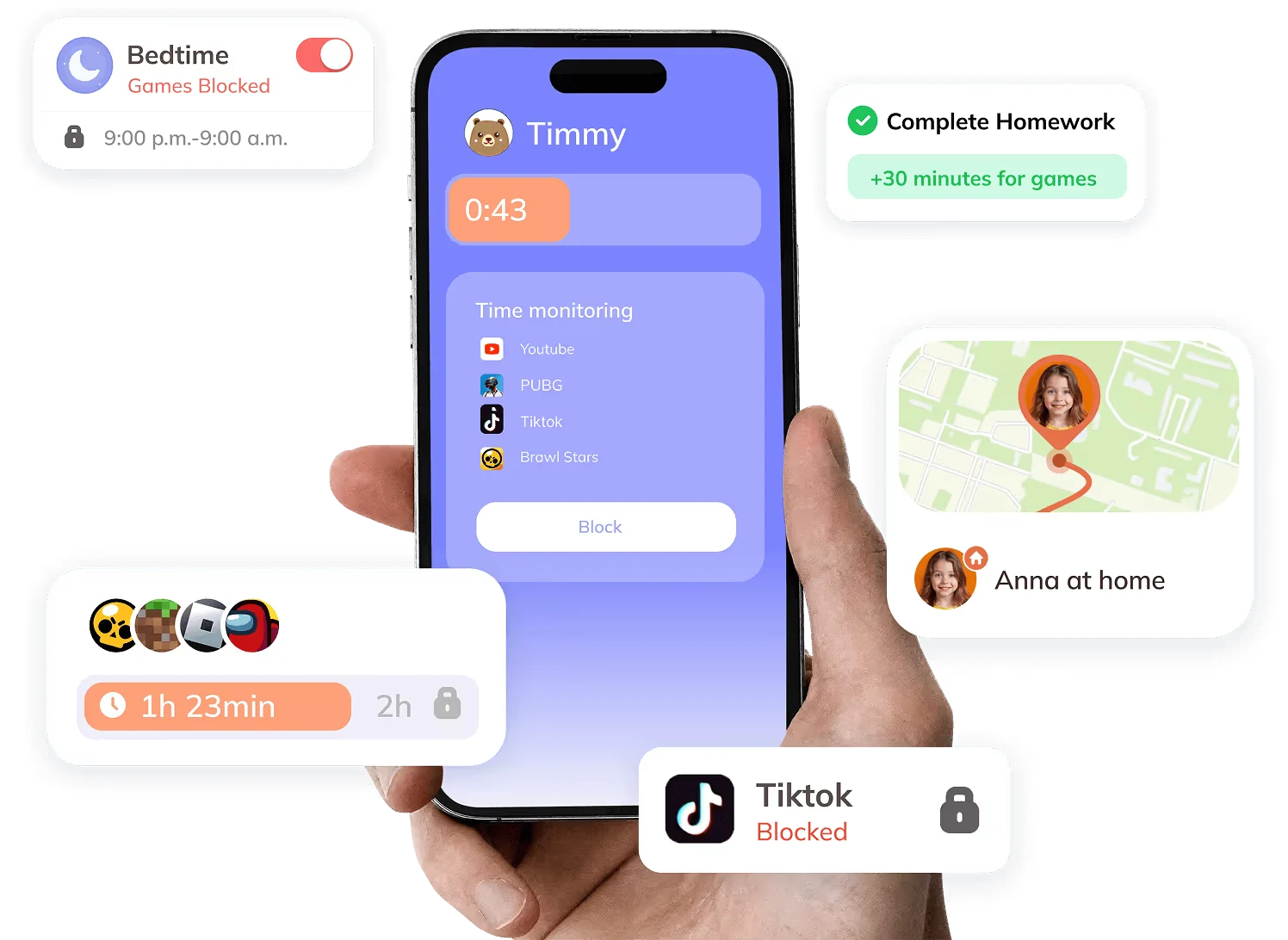
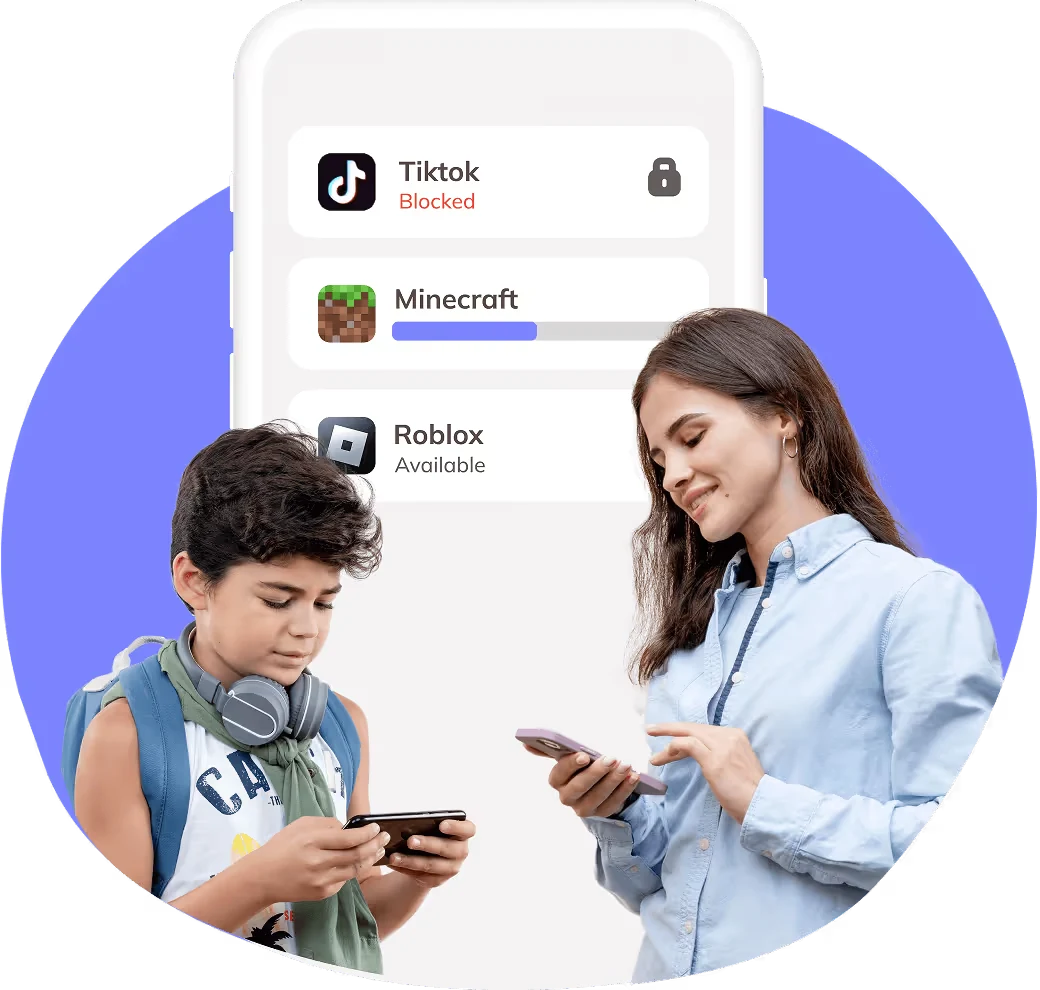
Take control of your child's screen time
Ensure a safe and balanced digital experience for your kids. Kidsee empowers you to manage app access, helping children stay focused, sleep better, and use devices responsibly.
Try For Free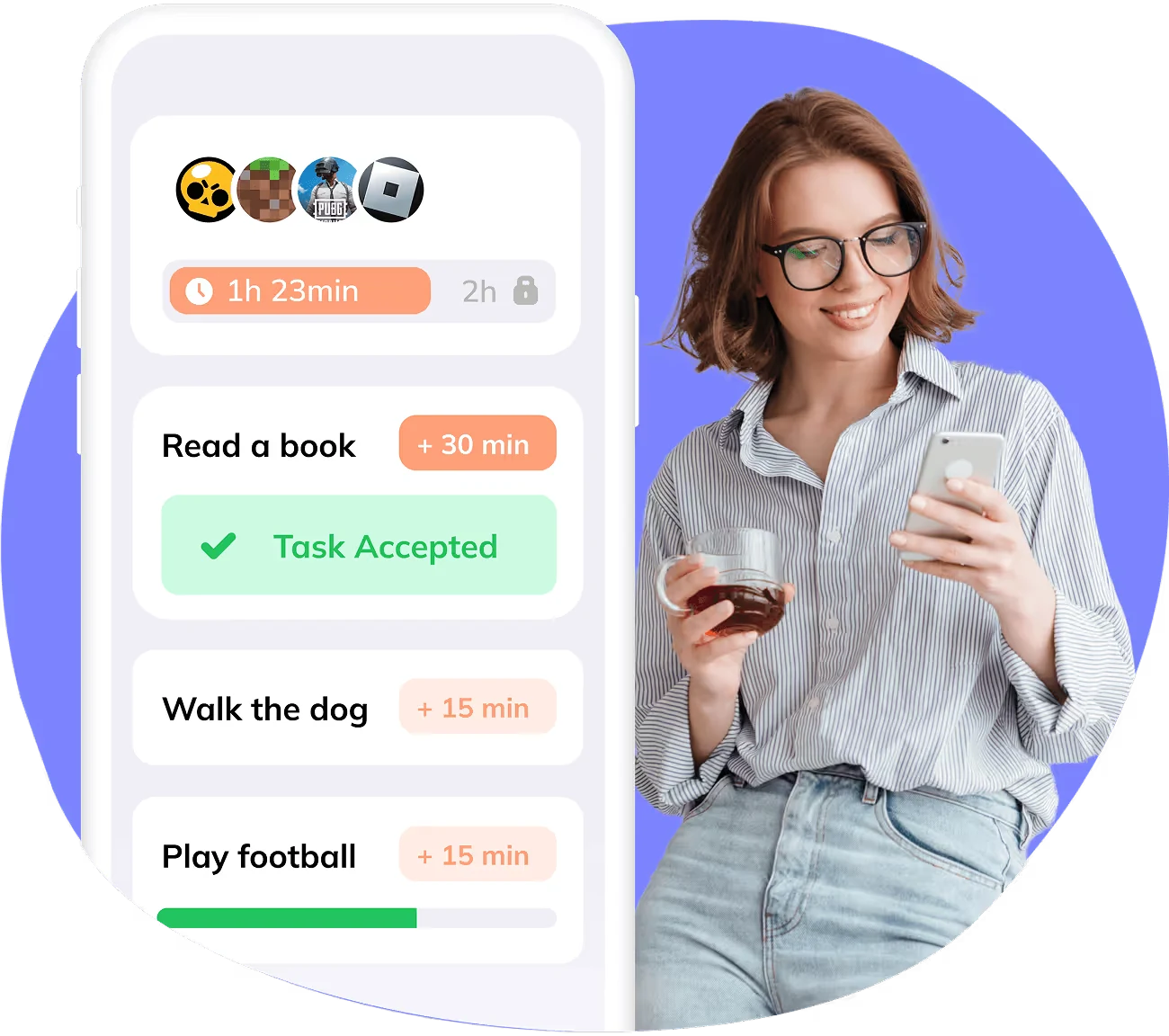
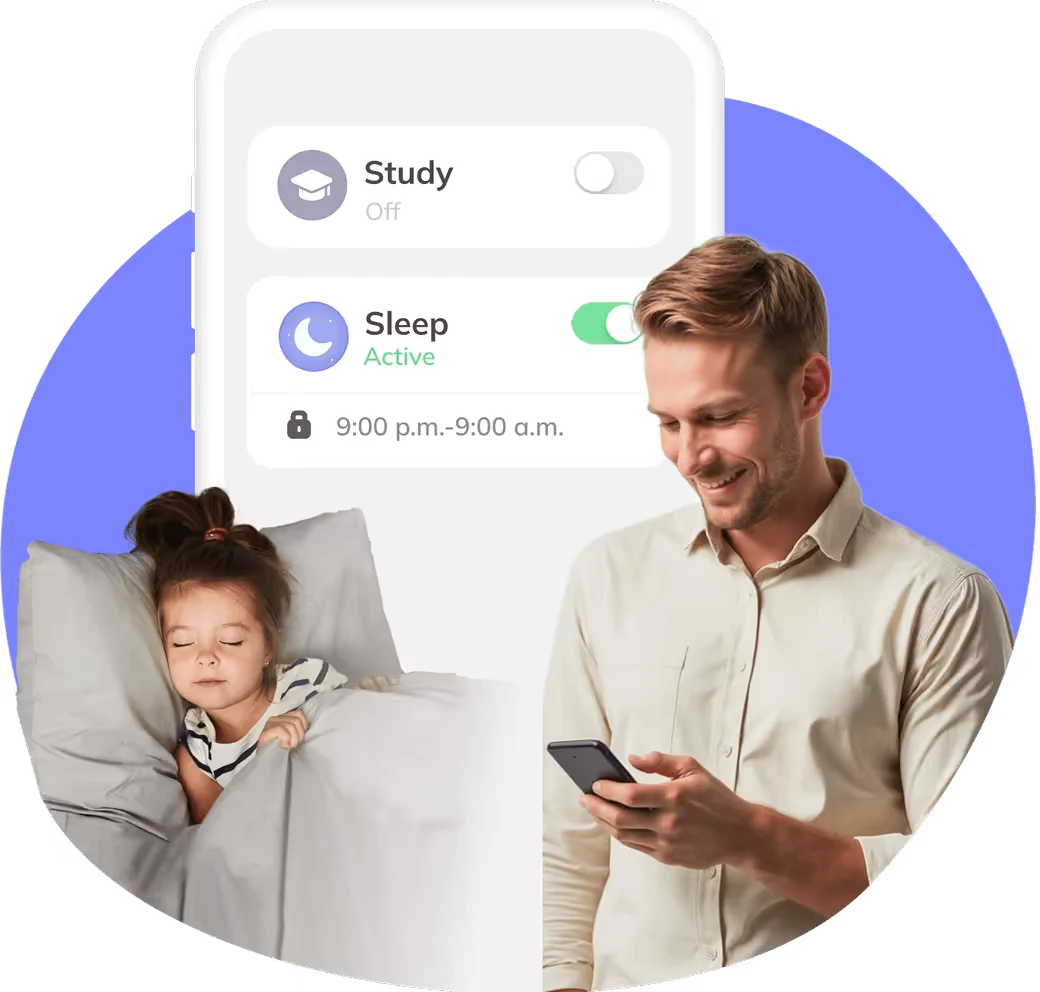
Keep distractions away during study time
Restrict access to apps when it's time to focus. With Kidsee, you can block entertainment apps during study hours, encouraging better concentration and productivity.
Learn More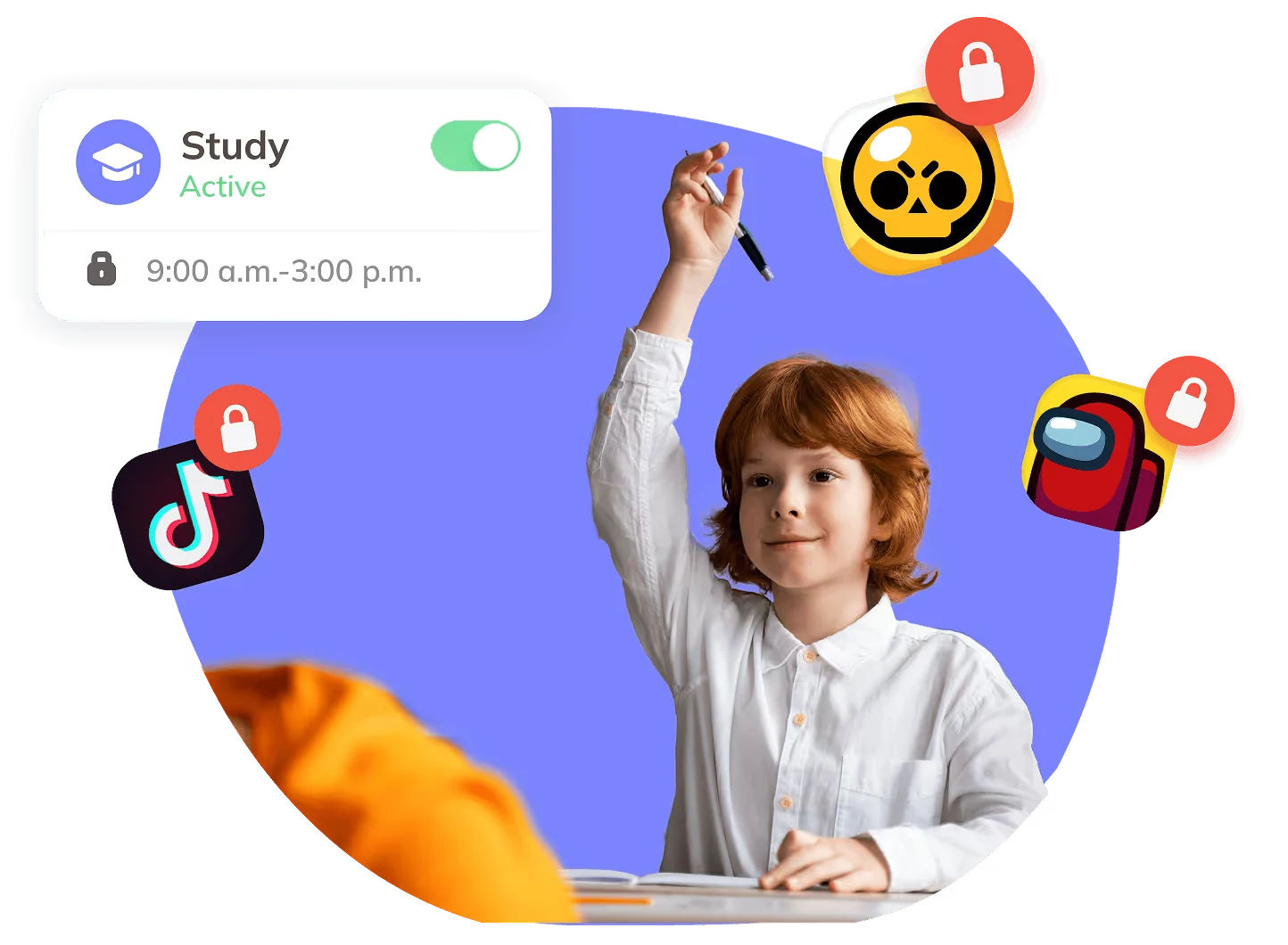
Reward your kid with phone time
Turn screen time into a positive incentive. With Kidsee, you can encourage good habits by letting kids earn phone time through tasks, routines, and healthy behavior.
Start Free Trial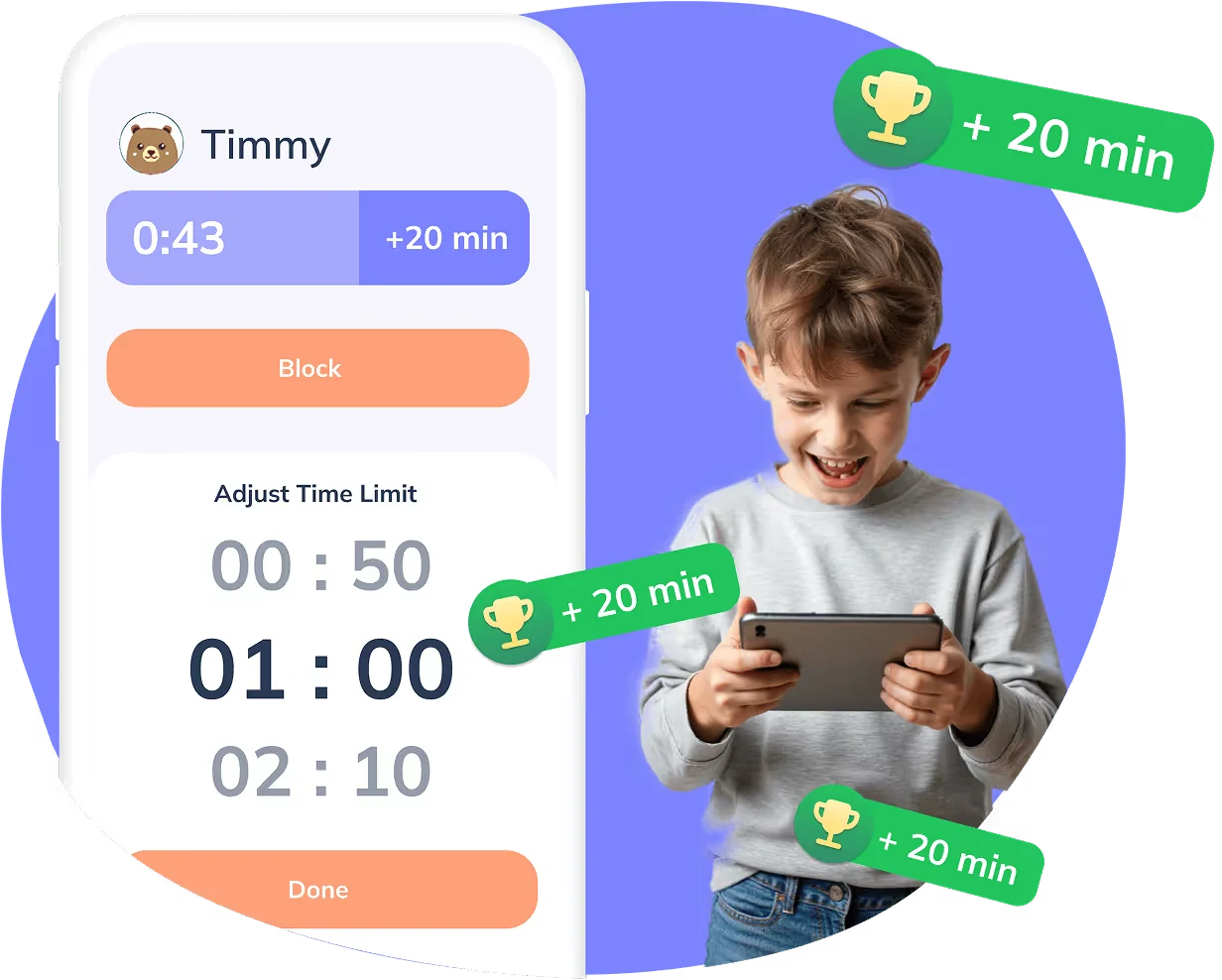
Helping Kids Use Screen Time Wisely
Choose the right plan for your family
Kidsee Premium is here for every stage of your digital journey


More than 10k parents are already using Kidsee
Get Started For Free Emily
Mother of two kids
Emily
Mother of two kids
“Kidsee helped us build better screen habits, my son actually reminds me when his time is almost up!”
 Sophia
Mother of one kid
Sophia
Mother of one kid
“Love how simple it is to set limits and track usage. My daughter even enjoys checking her progress!”
 Olivia
Mother of three kids
Olivia
Mother of three kids
“The alerts and app timers work great. It feels like we finally found a balance that works for all of us.”

FAQ
Can I manage multiple kids at once?
Yes. You can create a separate profile for each child. Set individual screen time limits and daily schedules based on their age and needs.
What if I only want to block certain apps or websites?
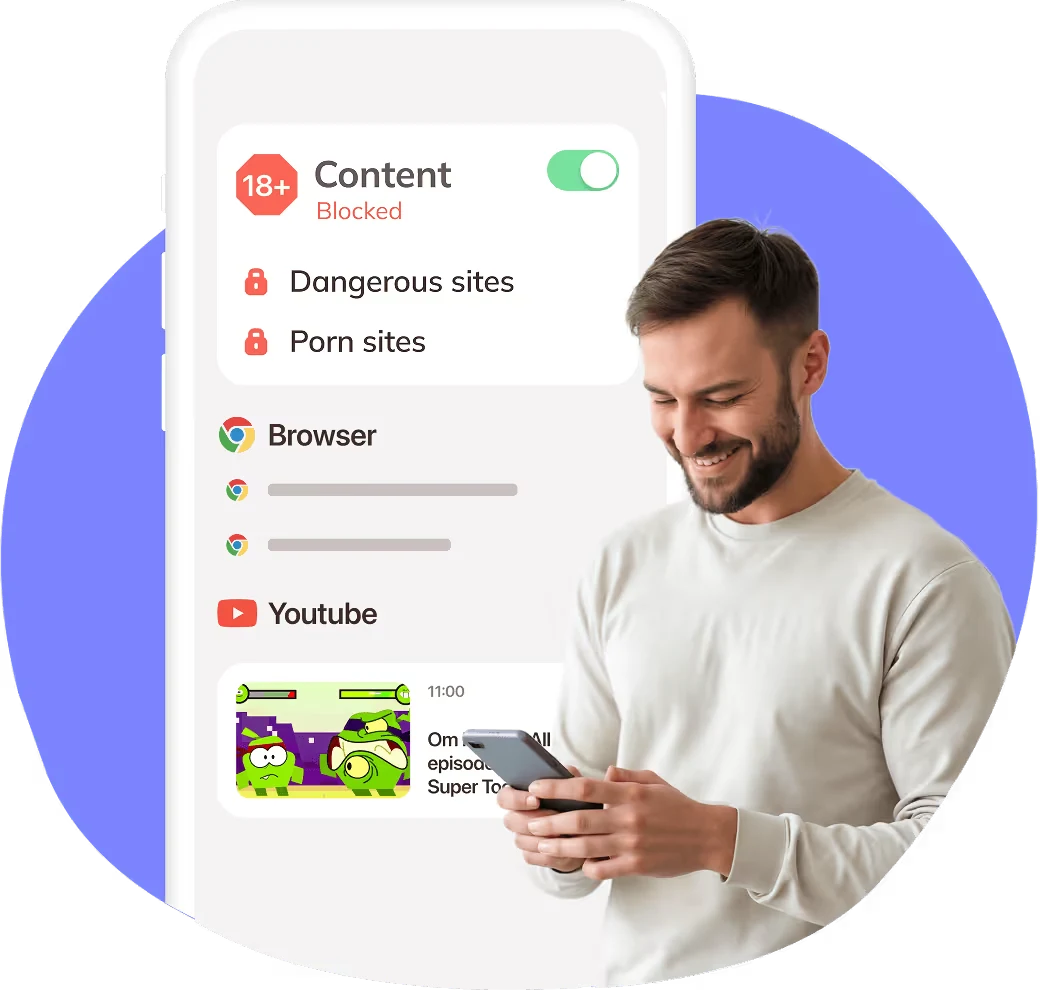
With the Kidsee parental control app, it's easy to choose which apps or websites your child can access. You can block inappropriate content while keeping educational resources available without restrictions.
What happens if my child goes over the limit?
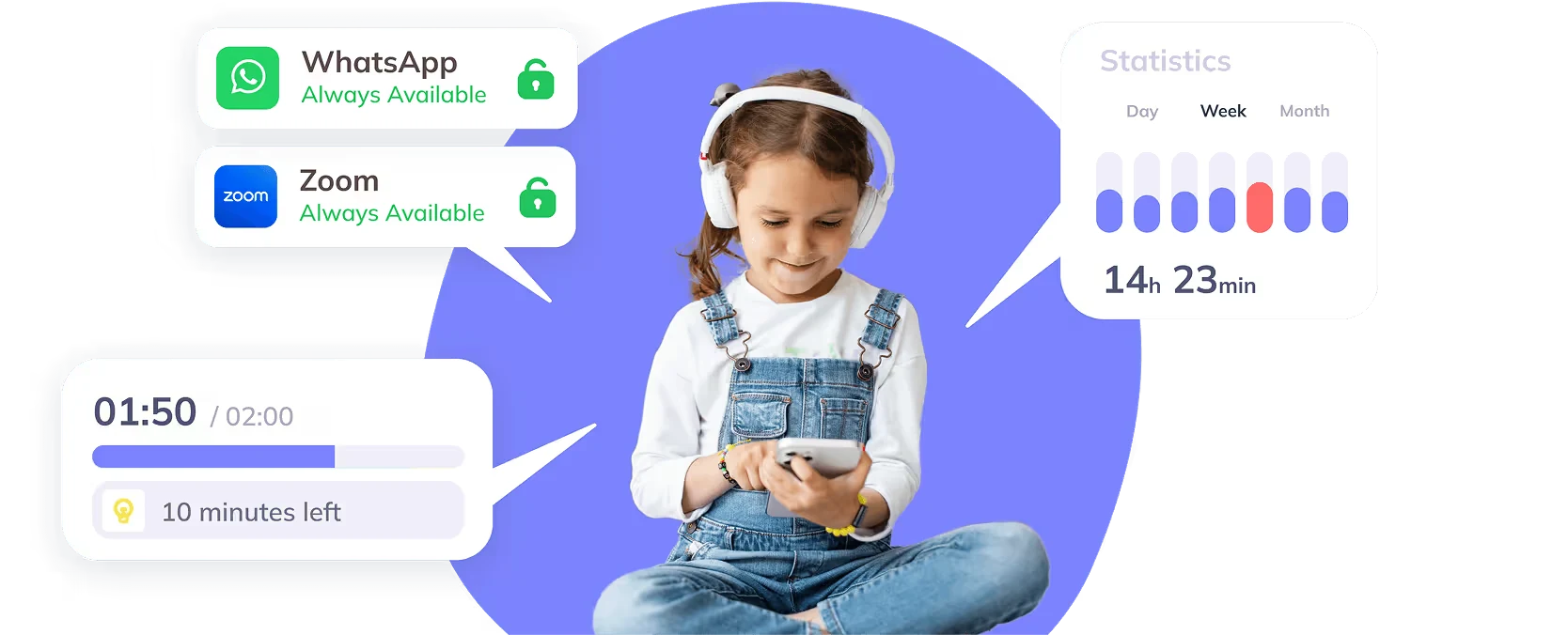
The app automatically locks your child's device or specific apps. You'll receive a push notification and can decide whether to give extra time or not.
Can I track my child's location?
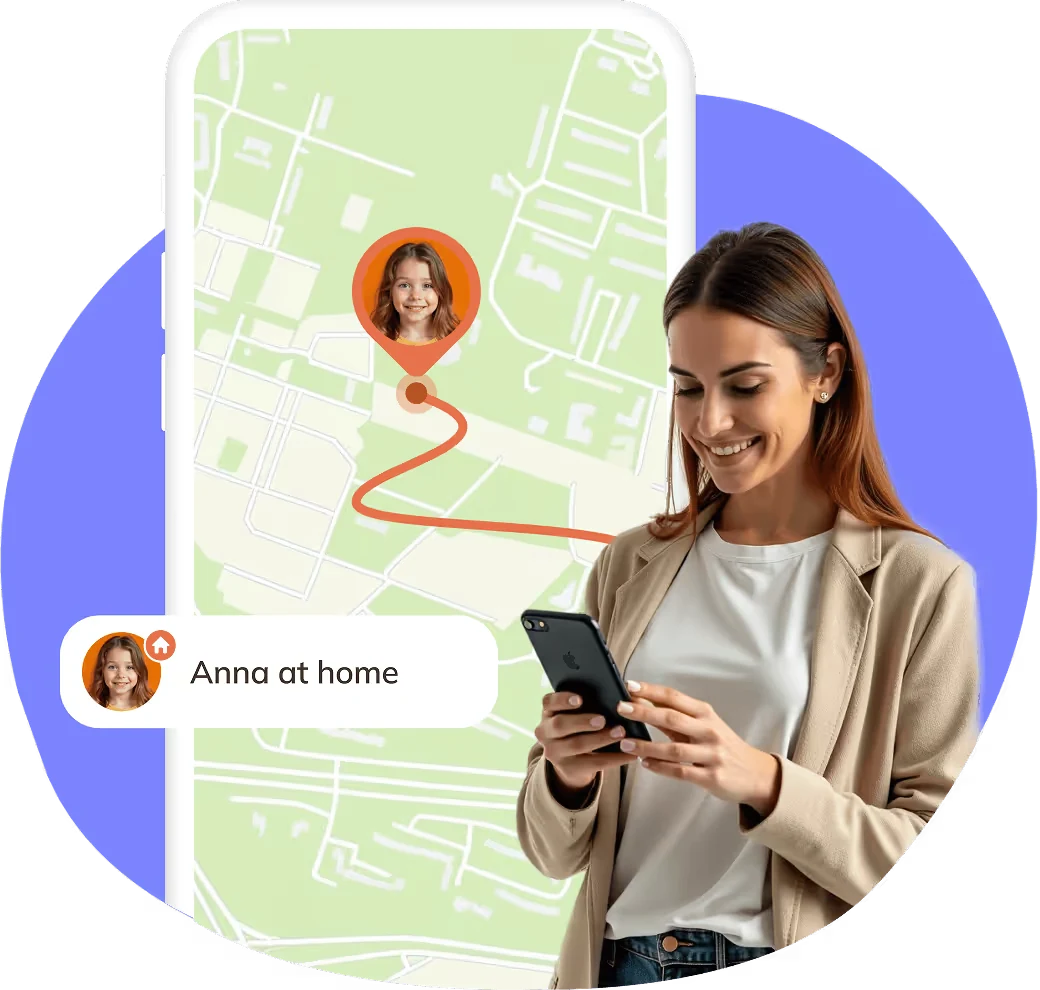
Yes. You can view your child's real-time device location on the map.
Will Kidsee work if I have an iPhone and my child uses Android?
Absolutely. The app is fully compatible with both iOS and Android, so you can manage your child's device no matter what phone you use.